Browser-native
Open a tab and you’re in. No store, no install, no update nag — on phone or desktop.
Kissend
Username only — no phone number. Your number stays yours. Open a browser tab and start a quiet 1:1 thread with app lock, hidden chats, and disappearing messages when you need them.
@alex
E2E encrypted · Online
What is Kissend?
Kissend runs in your browser — no app install and no phone number. Messages are end-to-end encrypted. You sign in with email or Google, pick a username, and message one person at a time. Your phone number is never required, so it stays out of the conversation. Optional controls include app lock, hidden chats, and disappearing messages.
1:1
Built only for private conversations — no groups, no feeds.
0
Phone numbers required. Connect with a username instead.
∞
Devices via browser. Start on phone, continue on desktop.
The idea
Kissend is shaped like a private thread, not a social network. No channels. No status theater. Just private one-to-one chat with controls that keep the moment yours.
Open a tab and you’re in. No store, no install, no update nag — on phone or desktop.
No phone number. Your identity stays private — find people by username and approve who can reach you.
Private messages for the two people in the thread — end-to-end encrypted by design.
Features

Trust starts here: every conversation is end-to-end encrypted — completely private 1:1 chat with practical privacy controls, not a protocol lecture.
Timers and view-once media for details that should not linger.
PIN-protect tucked threads — optional decoy unlock included.
Lock the whole app on a shared phone or open laptop.
Approve who can message you before the chat begins.
How it works
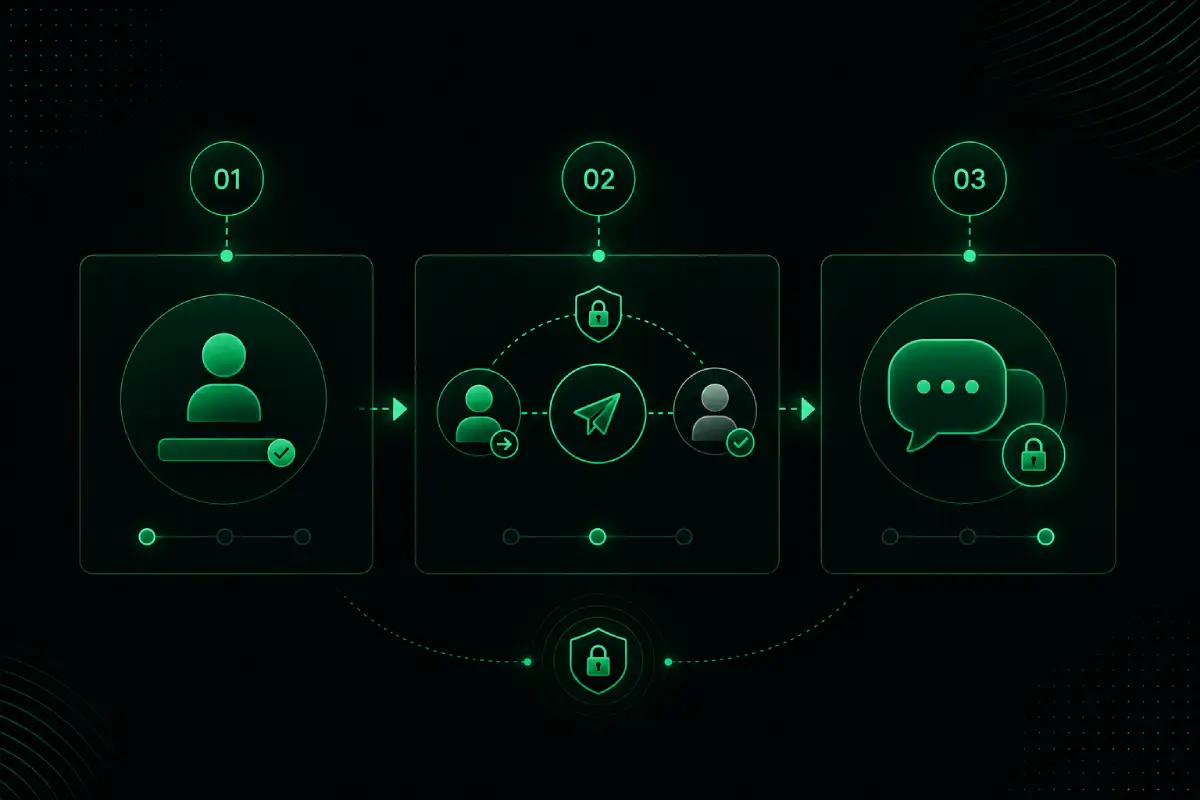
No phone number. No contact sync. Your number stays yours.
Reach someone by username. They approve before anything starts.
Messages are end-to-end encrypted — with one-time notes and calm controls that stay out of the way.
Unlike typical messengers
Most chat apps grew into social products. Kissend stayed a private room.
Read the comparison →Phone number
Not required
App install
Browser only
Focus
One-to-one privacy
Encryption
End-to-end
Identity
Username only
Use cases
Talk freely without groups, status updates, or contact discovery getting in the way.
Coordinate privately without sharing your phone number or mixing work into a noisy inbox.
Open a browser and keep messaging without installing another app on a shared device.
Community
People are choosing Kissend for quieter one-to-one chat — without apps, phone numbers, or social noise.
Apps to install
Phone numbers needed
Private conversations only
To start chatting today
Voices
From shared phones to work discretion — the same idea keeps coming up: a private thread without the social noise.
“I needed somewhere to talk that wasn’t tied to my phone number. Kissend in the browser was enough — no new app, no contacts upload.”
Maya
Designer · personal chats
“Hidden chats and app lock matter on a shared laptop. It feels like a private room, not another feed competing for attention.”
Jordan
Consultant · work discretion
“Connection requests mean I’m not open to everyone by default. Disappearing messages cover the details that shouldn’t linger.”
Sam
Traveler · browser-first
FAQ
Yes. Use Kissend for private one-to-one messaging in the browser at no cost.
Yes. Kissend is browser-based on mobile and desktop — no app store install.
No. Kissend uses username-based identity so your number stays private.
Ready for a quieter conversation?
Open Kissend in your browser and start a secure one-to-one chat in minutes.