How it works
From signup to end-to-end encrypted chat in minutes.
Kissend is end-to-end encrypted one-to-one messaging in your browser. Create a username (no phone number), approve a connection, and start private chat — without installing anything.
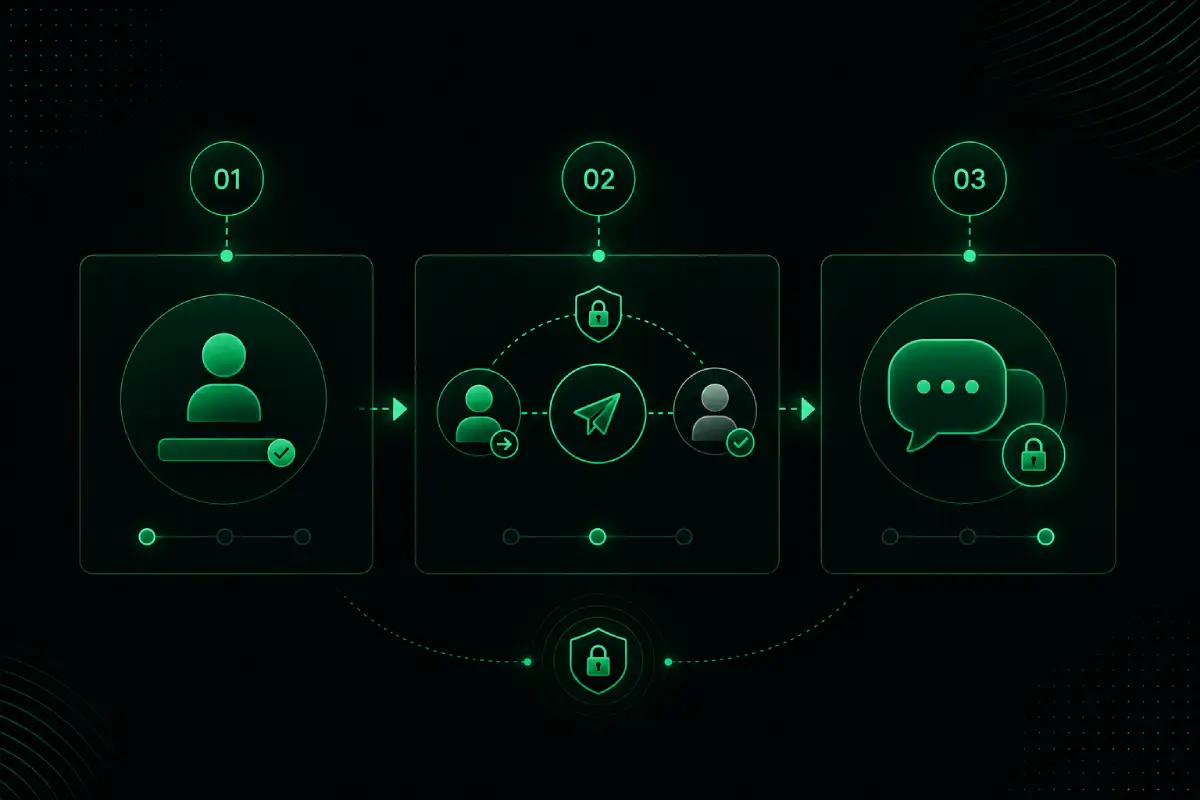
Step by step
Five steps to a private thread.
Here is how Kissend private web chat works end to end — designed for people who want private messaging without the friction of app stores or contact lists.
-
01
Create your account
Open app.kissend.com in any modern browser. Sign up for free — no download, no store listing, no update prompts. Kissend is browser chat from the first click.
-
02
Choose a unique username
Your Kissend username is how people find you. There is no phone number requirement and no contact scraping. Learn more on our security page.
-
03
Connect with a request
Search for someone by username and send a connection request. They approve before the conversation starts, so private chat begins with mutual consent.
-
04
Chat privately
Once connected, message with end-to-end encryption. Share text, voice, media, and reactions. Explore everything on the features page.
-
05
Use privacy controls when you need them
One-time messages, blurred or hidden chats, screenshot protection, and read receipt controls help you stay discreet without making every chat complicated.
Browser chat
Private messaging that travels with your browser.
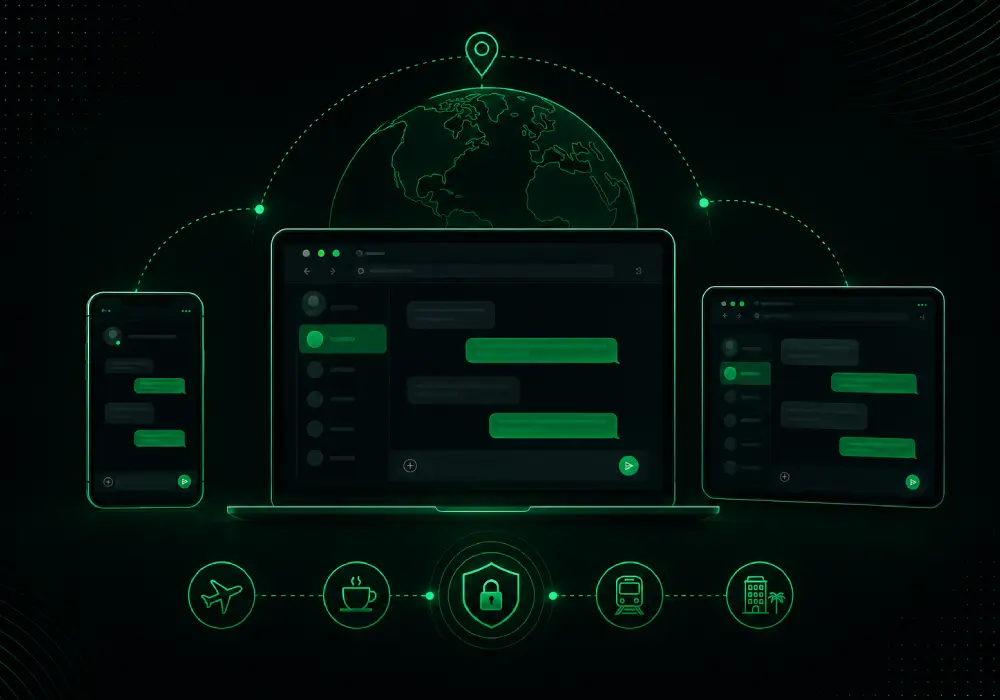
Whether you are on a phone, laptop, or temporary device, Kissend opens like any other website. That makes it a natural fit for travelers, borrowed computers, and anyone who wants chat without another app install. See real-world scenarios on use cases.
- No app store download
- Chat without a phone number
- Private one-to-one conversations — messages are end-to-end encrypted
Quick answers
Common questions about how Kissend works.
Can I chat without downloading an app?
Yes. Kissend is private web chat that runs fully in the browser on mobile, tablet, and desktop.
Do I need a phone number to start?
No. Create a username and connect with people you trust without sharing your phone number.
How does a Kissend connection work?
You send a connection request by username. The other person must approve before private one-to-one messaging begins.
More answers in the full FAQ, or learn why we built Kissend.
Ready to try private web chat?
Open Kissend, create a username, and start a secure one-to-one conversation in minutes.
Keep exploring
Related Kissend pages for private browser chat, security, and help.